Structure Units
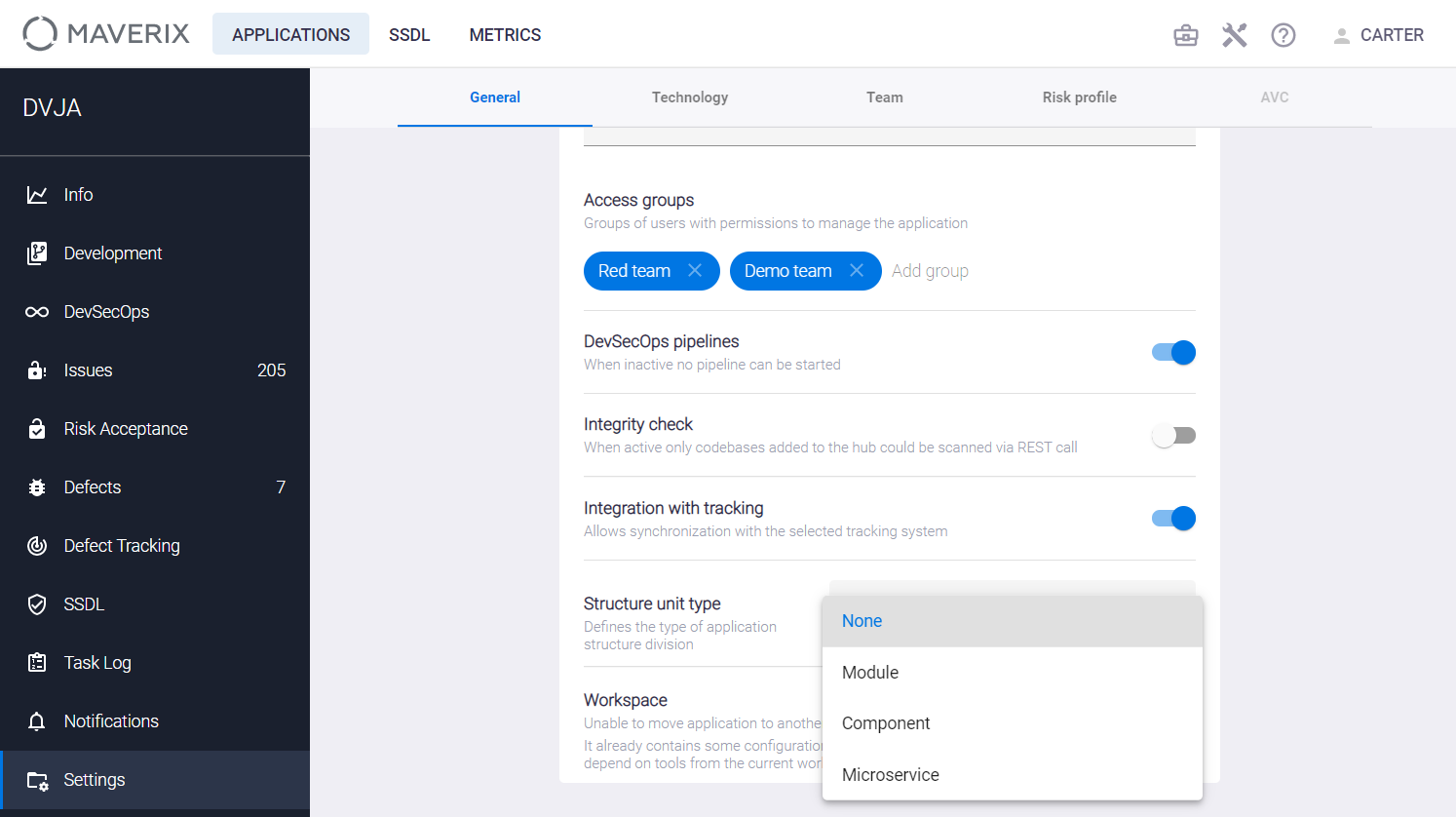
Select the Settings menu item on the left of the application page and go to the General tab. The current application structure unit type is shown in the Structure unit type section.

The structure unit type can be selected from the drop-down menu (None, Module, Component, and Microservice).
The ability to define the type of a structure unit allows you to customize work with the application in Maverix to the application structure (Modules, Components, or Microservices). For example, if the application has a microservices architecture, it’s appropriate to select Microservice in the Structure unit type type section of the General tab.
If the application structure unit type is defined as a microservice, structure units of the corresponding type can be created using the +Add new button on the Structure units tab of the application Development page.
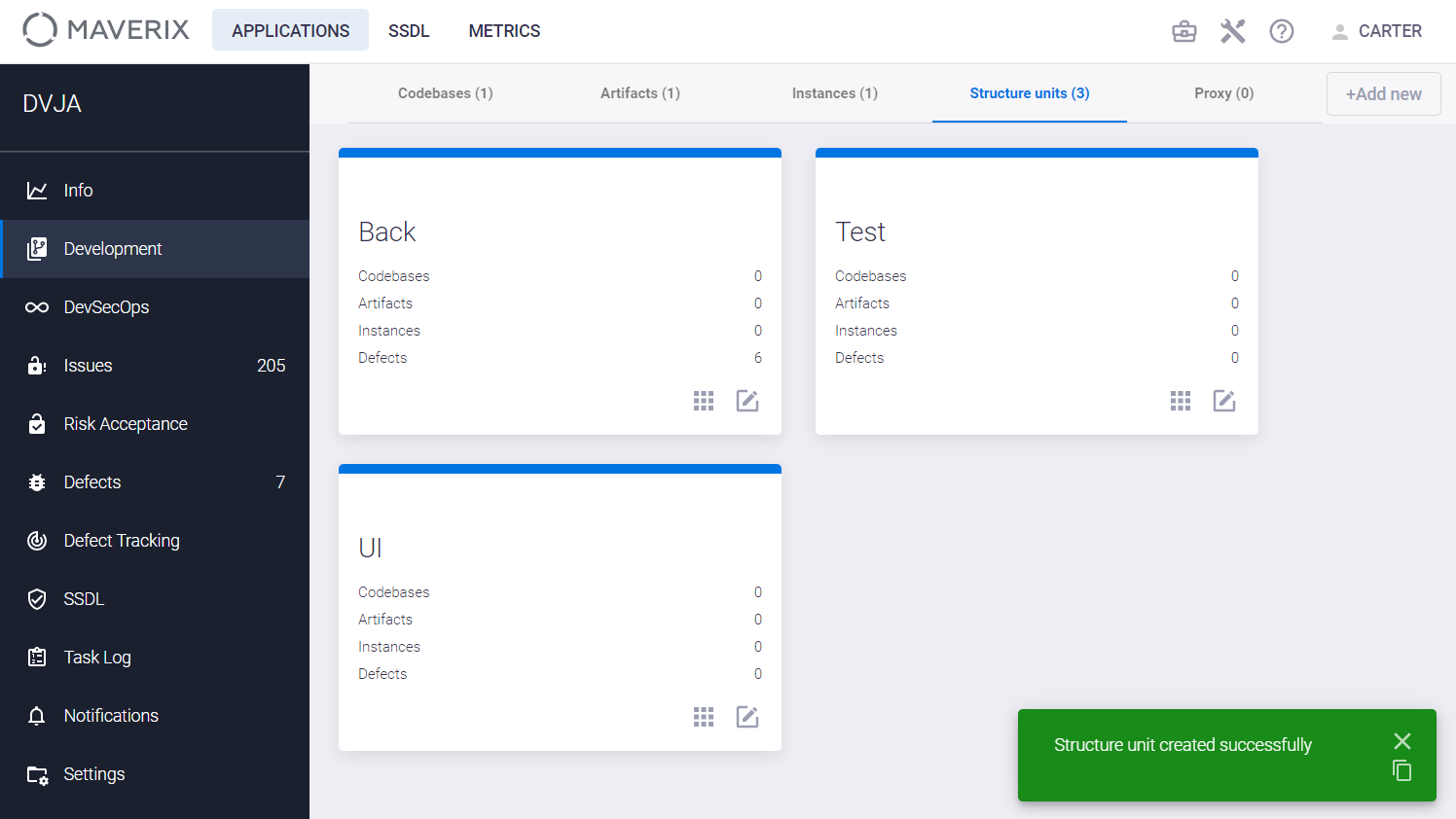
Each of these structural units has its own codebases, artifacts, instances, and defects. Each structure unit card shows a number of these items. Click the Edit unit  icon in the structure unit card to update its parameters. The Update structure unit window appears.
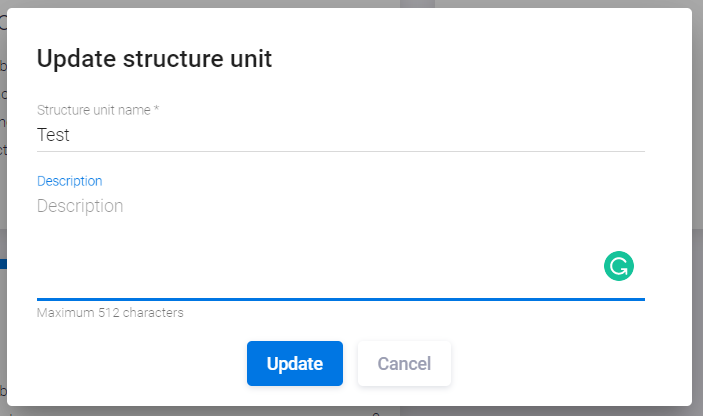
Enter the structure unit name and description, and click the Update button.
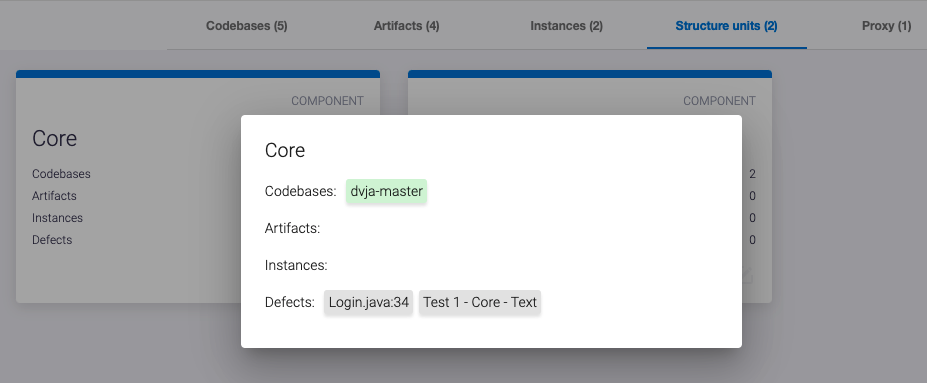
Click the Open details  icon on the structure unit card to get information on the structure unit.
Use the  icon on the Codebases, Artifacts, or Instances card to assign this item to the structure unit.
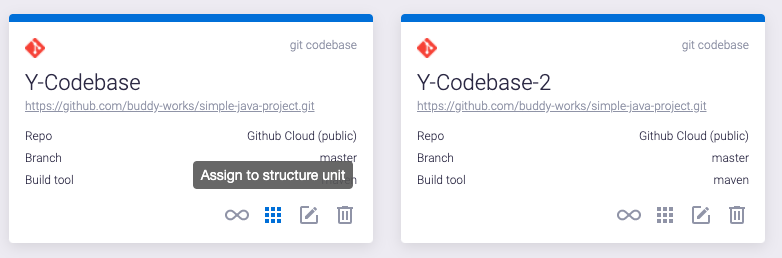
The Assign to structure unit window appears.
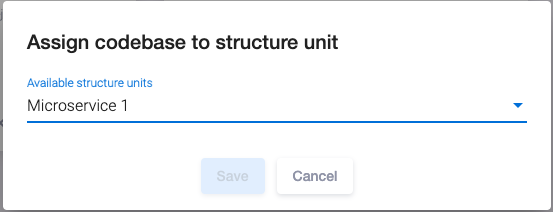
Select the structure unit from the drop-down menu and click the Save button. Select the None (remove from unit) item from the drop-down menu to remove this item from the structure unit.